New laptops come with a separate chip for neural networks
A neural processor handles transcription, translation and photo editing on the device itself, offline and with less battery drain.
For you: When choosing a laptop for study, ask whether it has a neural processor
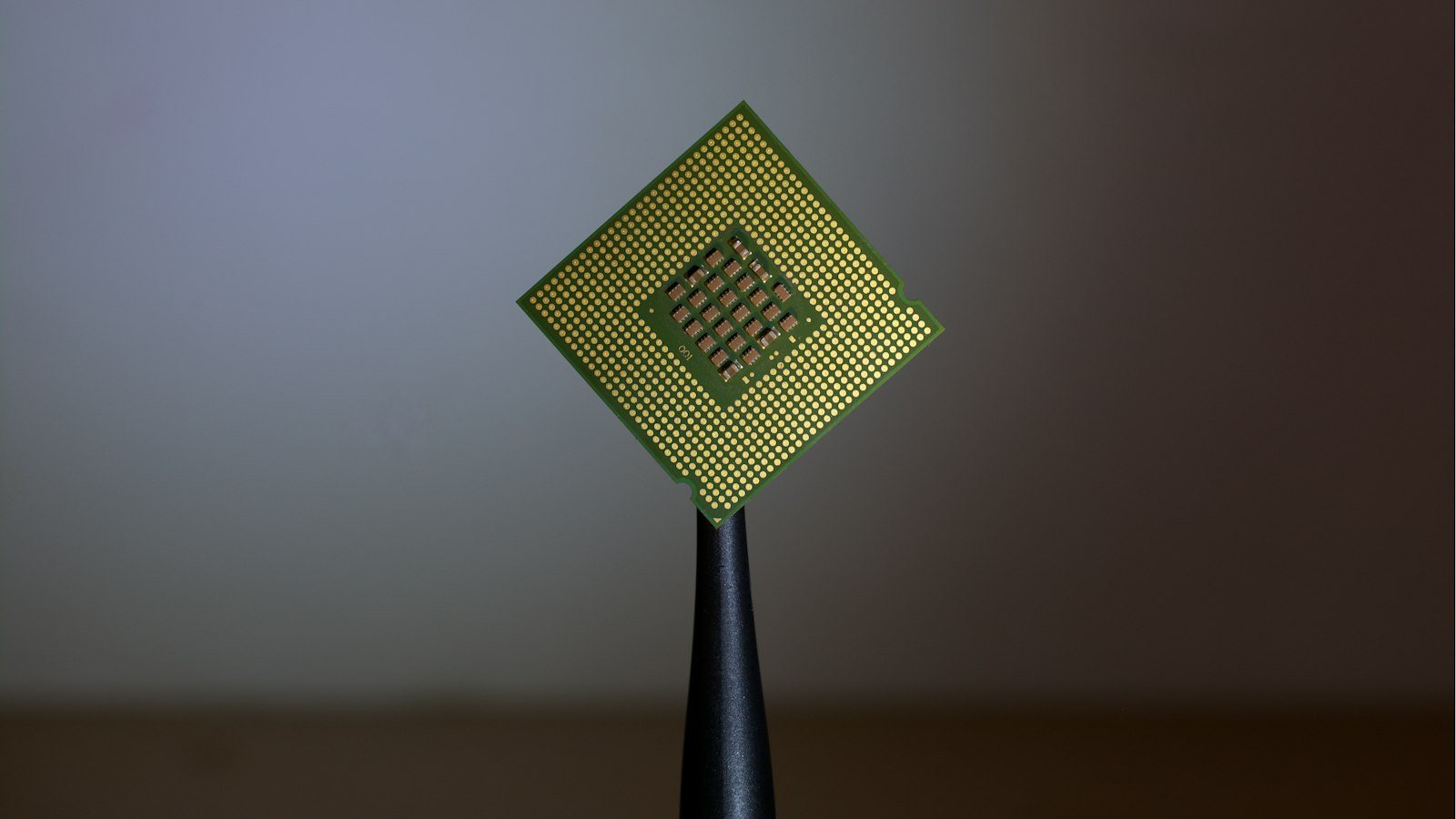
Laptop makers are increasingly adding a third chip next to the usual processor and graphics card: a neural processing unit. In spec sheets it usually appears as NPU. It is built for one job: running neural networks quickly and efficiently.
Until now, most of this kind of work happened in the cloud, on a company's remote servers. You sent a file, the server processed it and sent back the result. Now part of that work is done by the laptop itself. Here is what that gives you, who needs it and what to check before you buy.
What a neural processor is
Each chip in a computer has its own role. The central processor is the general-purpose brain: it runs programs and can handle any task, but not every task equally fast. The graphics card draws the picture on screen and is good at running many small calculations in parallel. A neural processor is made for a narrow job: doing the maths neural networks need while using as little power as possible.
Neural networks rely on huge numbers of simple multiplications and additions. A neural processor is designed for exactly that. So it does this work faster than the regular processor, runs cooler and saves battery.
What it means in practice
In everyday use, you notice the neural processor in tasks like these:
- A lecture recording turns into text on the laptop itself, without uploading it to the cloud. A student can read the notes right after class.
- The background on a video call blurs smoothly, without lag or fan noise. Handy for anyone studying or working from home.
- Translation works even offline.
- Search across your own files finds the right document or photo without a connection.
- Photo editing handles simple fixes quickly on the device.
Some of these features exist on regular laptops too. The difference is the cost of running them. Without a neural processor, such tasks load the main processor heavily, so the laptop heats up, the fan gets loud and the battery drains faster.
Two main gains: privacy and battery
The first gain is privacy. When a recording, document or photo is processed on the device, the data does not leave for someone else's servers. That matters for personal conversations, work documents and customer data. A journalist can transcribe an interview, and a business owner can go through a contract, without sending either one outside.
The second gain is battery life. Reviewers measure an extra hour to an hour and a half of battery when the neural processor does the work instead of the regular processor. For someone who spends the whole day at university or on the move, that is a real difference.
Who needs it
Not everyone will feel the difference equally. If you only open your laptop for a browser and text documents, the gain may be small. These readers will notice it quickly:
- students who record lectures and spend the day away from a socket;
- journalists who often need to transcribe interviews;
- business owners and managers with many video calls and documents they would rather not send outside;
- people who work in two or three languages and often translate between Kazakh, Russian and English.
Downsides and what to watch for
A neural processor does not solve everything. Keep a few caveats in mind:
- Price. For now, laptops with this chip cost more than average.
- Software support. The chip does nothing on its own. It needs apps that know how to use it, so check whether the programs you rely on do.
- Not for the biggest models. The most powerful chatbots still run in the cloud. The neural processor is meant for everyday, lighter tasks.
- Not for gaming or video editing. Heavy games and video editing still need a strong graphics card.
Retailers expect the chip to reach mid-range laptops by the next academic year. So there is no need to rush. Waiting for prices to come down is a reasonable choice too.
What to do before buying if you live in Kazakhstan
If you are buying a device to last several years, this line in the specs is worth a look. A simple plan:
- Write down what you need the laptop for: lectures, video calls, translation, documents.
- Ask the seller, or check the specs, whether it has a neural processor. It may be listed as
NPU. - Check whether the programs you use actually make use of it.
- Compare the price of the same model with and without the chip.
- If the budget is tight, wait: by the next academic year these laptops may become more affordable.
People usually buy a laptop for three or four years, not one. Over that time, the number of apps that use neural networks will only grow. A sensible choice today saves time and stress later.


Comments
Sign in to leave a commentNo comments yet. Be the first.