Voice assistants now understand Kazakh spoken with an accent
New speech recognition models understand Kazakh spoken fast and with an accent, and they also handle mixed speech, when Kazakh and Russian words share one sentence.
For you: You can dictate messages and notes in Kazakh instead of typing them
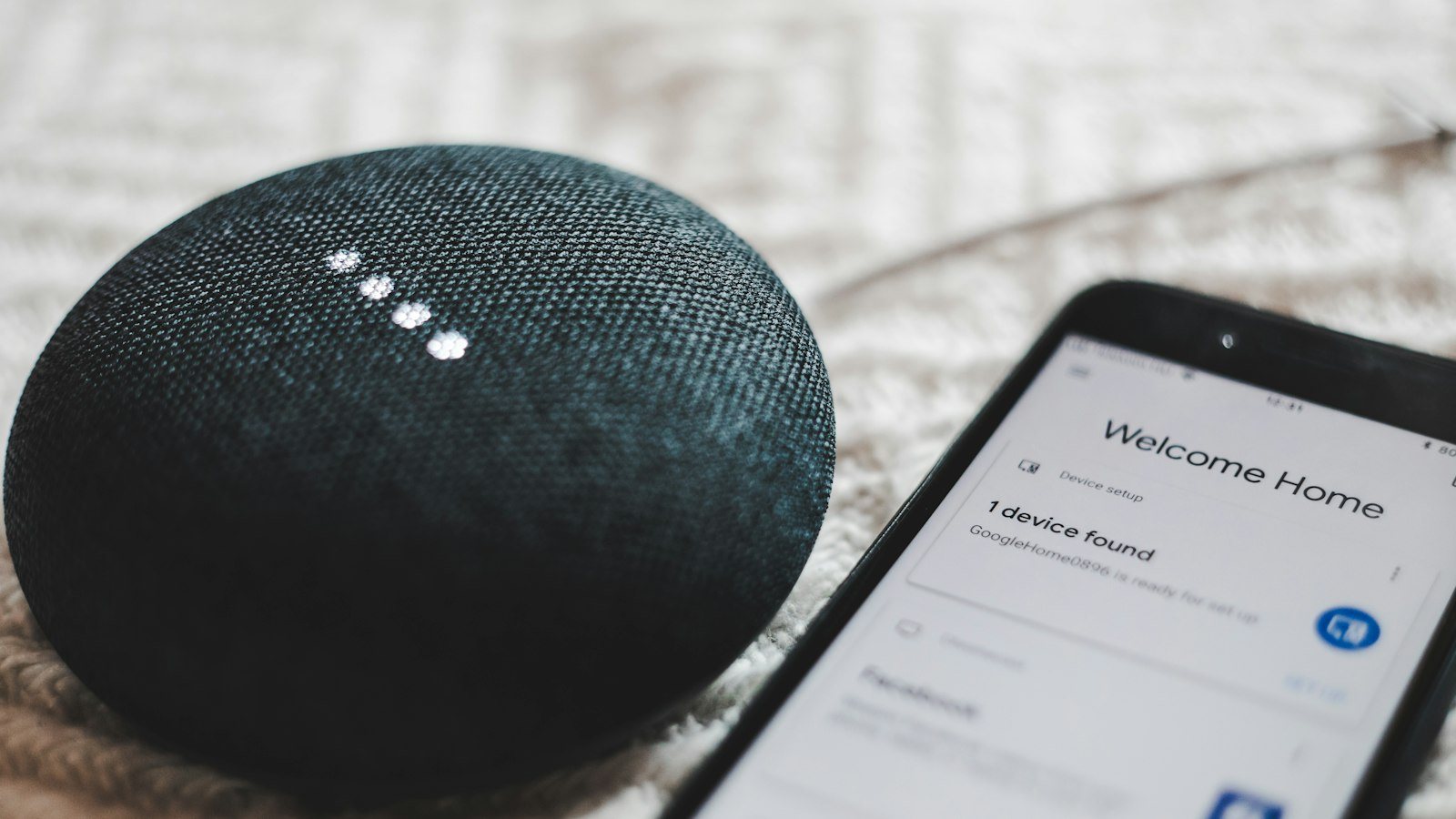
Until recently, a voice assistant understood Kazakh only when it was spoken like a news anchor: slowly, clearly and without a single Russian word. Say a phrase the way people talk on the streets of Almaty or Shymkent, and the transcript turned into nonsense. Many people simply gave up on dictating in Kazakh and went back to the keyboard.
That is now changing. New speech recognition models can follow real, everyday speech: accents, fast talk, regional words and mixed sentences where Kazakh and Russian words sit side by side. Here is what changed, why it became possible and how to use it wisely.
Why it did not work before
A speech recognition model learns from recordings that come with an exact transcript. It listens to thousands of examples and learns which sounds match which words. If the training data is mostly clean studio speech, the model only understands that kind of speech well.
For Kazakh, this was the case for a long time. There were few recordings, and most of them were careful readings of a text. Real people talk differently. They swallow endings, speak fast and drop Russian words into the middle of a Kazakh sentence: “Ертең встречаға барамын”, “Файлды скинь”. To an older model, a phrase like that was a string of unfamiliar sounds. It would guess the closest similar words, often with no sense at all.
What changed
The new models were trained on thousands of hours of real recordings. The sources are places where people speak naturally:
- calls to help lines;
- podcasts;
- social media videos.
These recordings contain everything that was missing before: different accents, background noise, people talking over each other, mixed languages and casual words. As a result, the models now handle regional words, fast speech and sentences where Kazakh and Russian are mixed together.
According to a development team in Astana, the error rate in Kazakh transcription has fallen by roughly half in a year. For a user, that is a noticeable difference. Before, almost every sentence needed fixing. Now there are far fewer corrections to make.
Who gained the most
Older people and residents of the regions gained the most. Their pronunciation used to confuse the system: intonation, the way certain sounds are spoken and local words threw the model off. Yet they are the people who need voice input most, because typing quickly on a phone, especially with Kazakh letters, is not easy for everyone.
Younger users benefit too. A student can dictate a note right after a class. An entrepreneur can reply to a customer while on the move. A journalist can quickly turn part of a conversation into text. Kazakh voice input used to be a gamble. Now it is something you can use every day.
Where the model still slips
Some limits remain, and they are worth keeping in mind:
- Street noise. Wind, traffic and music in a café make it hard for the model to catch words. In a quiet place, results are much better.
- Rare names. The model may write an unusual first name or surname as a similar common word.
- Place names. Villages, streets and districts, especially less known ones, are often distorted.
Mixed speech has its own subtlety. The model may understand a Russian word correctly but spell it in an unexpected way, or attach a Kazakh ending to it differently from what you meant. The meaning usually survives, but for a formal message it is better to tidy the text up.
What to do now if you live in Kazakhstan
If you write in Kazakh even occasionally, give voice input another try, even if it disappointed you before.
- Update your phone's keyboard and voice assistant. New models arrive with updates.
- In the voice input settings, choose Kazakh. If you can add several languages, add Russian as well.
- Start simple: short messages to friends, notes and to-do lists.
- Speak at your normal pace. There is no need to stretch words out, because the new models are built for ordinary speech.
- Move away from noise when dictating something long.
- Check names, addresses and place names with extra care, or type them by hand.
The most important rule: before sending an important message, read the transcript once more. A letter to a teacher, a reply to a customer or a message in a work chat is worth checking with your own eyes. One wrong letter in a name or address can cost more than the minute you saved.
Voice input will not replace attention to detail, but it takes away a lot of routine. For a language that was awkward to type on a phone for so long, this is a big step.

Comments
Sign in to leave a commentNo comments yet. Be the first.